
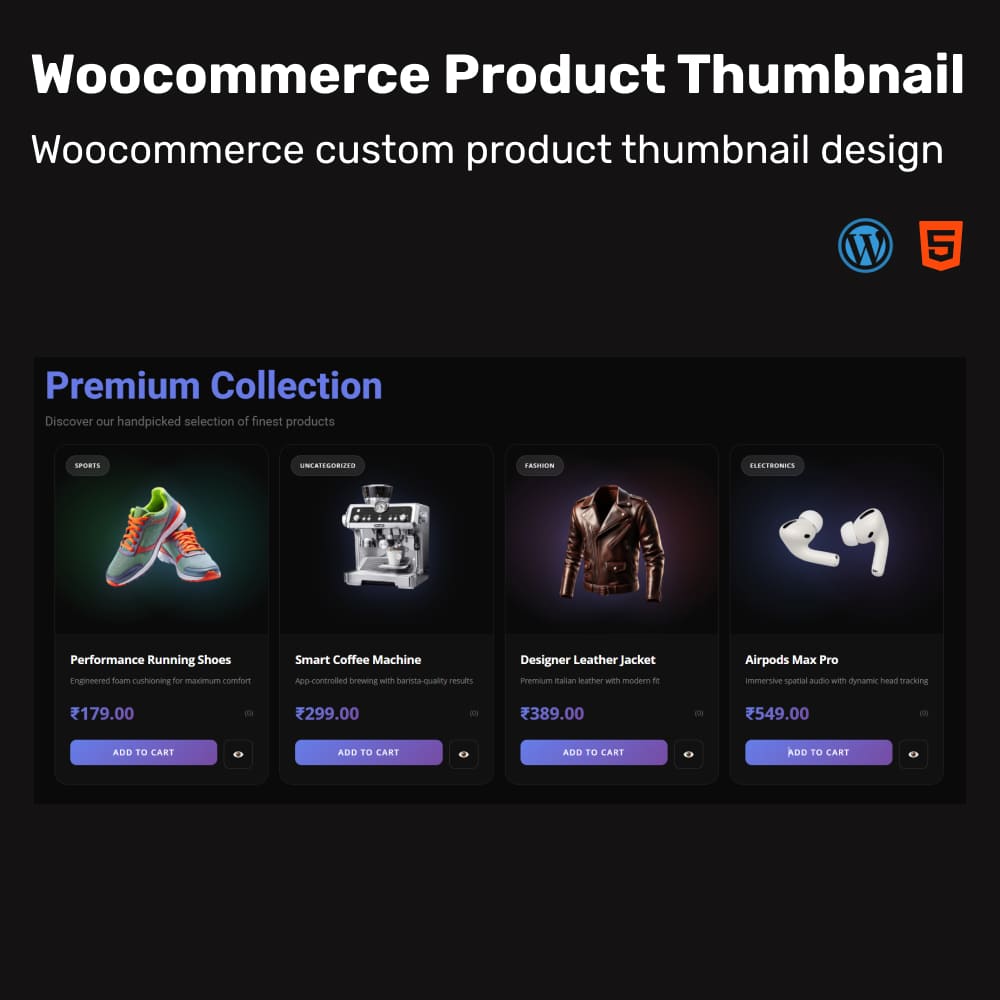
Description
Download Woocommerce Product Custom Thumbnail Template 1
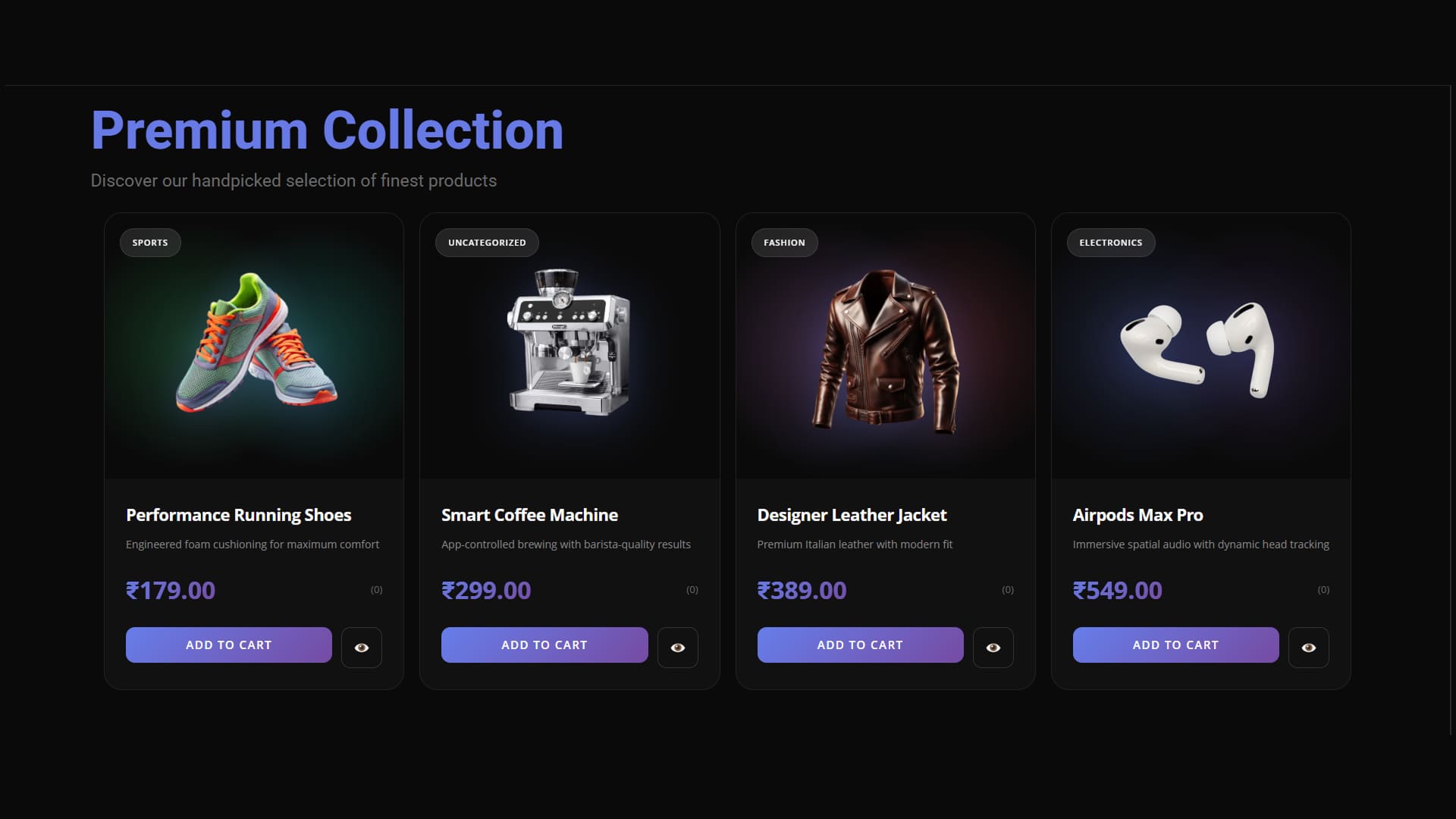
This custom WooCommerce product thumbnail layout is a fully coded solution that need no plugin, making it lightweight, fast, and ideal for performance-focused stores. By directly overriding the WooCommerce template inside your child theme, it gives you complete control over design and functionality without relying on plugins or heavy visual builders. The template integrates core WooCommerce data—product title, category, description, price, rating stars, add-to-cart button, and wishlist support—while maintaining your modern, animated UI. Because the structure is clean and universal, it works for any type of product, whether physical, virtual, or downloadable. With improved aesthetics, better user experience, and full developer-level flexibility, this custom thumbnail delivers a highly professional product grid that stands out on any store.
Features
- Fully custom WooCommerce product thumbnail (no Elementor required)
- Lightweight design by overriding WooCommerce templates
- Works for physical, virtual, and downloadable products
- Modern animated UI with premium visual effects
- Dynamic fields for title, category, price, rating, and short description
- Built-in Add to Cart and Wishlist support
- Faster loading and cleaner code compared to page builders
- Fully compatible with any WooCommerce theme through child theme
- Developer-friendly and easy to customize further
- Enhances overall store aesthetics and user experience
Woocommerce Product Thumbnail Template 1
- Fully custom WooCommerce product thumbnail (no Elementor required)
- Lightweight design by overriding WooCommerce templates
- Works for physical, virtual, and downloadable products
- Modern animated UI with premium visual effects
- Dynamic fields for title, category, price, rating, and short description
- Built-in Add to Cart and Wishlist support
- Faster loading and cleaner code compared to page builders
- Fully compatible with any WooCommerce theme through child theme
- Developer-friendly and easy to customize further
- Enhances overall store aesthetics and user experience
Description
Download Woocommerce Product Custom Thumbnail Template 1
This custom WooCommerce product thumbnail layout is a fully coded solution that need no plugin, making it lightweight, fast, and ideal for performance-focused stores. By directly overriding the WooCommerce template inside your child theme, it gives you complete control over design and functionality without relying on plugins or heavy visual builders. The template integrates core WooCommerce data—product title, category, description, price, rating stars, add-to-cart button, and wishlist support—while maintaining your modern, animated UI. Because the structure is clean and universal, it works for any type of product, whether physical, virtual, or downloadable. With improved aesthetics, better user experience, and full developer-level flexibility, this custom thumbnail delivers a highly professional product grid that stands out on any store.
Features
- Fully custom WooCommerce product thumbnail (no Elementor required)
- Lightweight design by overriding WooCommerce templates
- Works for physical, virtual, and downloadable products
- Modern animated UI with premium visual effects
- Dynamic fields for title, category, price, rating, and short description
- Built-in Add to Cart and Wishlist support
- Faster loading and cleaner code compared to page builders
- Fully compatible with any WooCommerce theme through child theme
- Developer-friendly and easy to customize further
- Enhances overall store aesthetics and user experience
Reviews
There are no reviews yet.